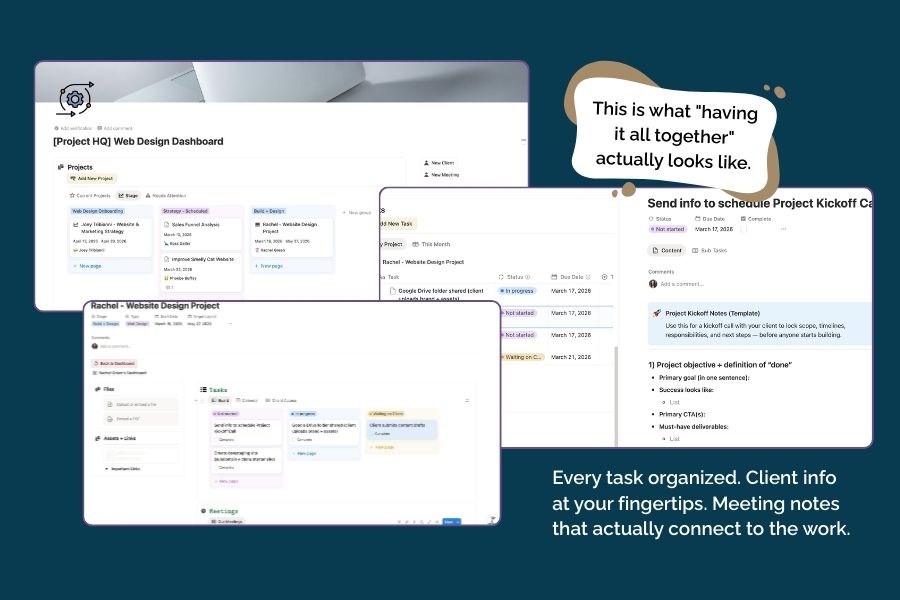
Project HQ Layout
The simple home base that keeps your tasks, notes, files, and “what’s next” in one clear place without turning Notion into a junk drawer.

If your web design projects feel like a chaotic group text (you, the client, the dev, the copy doc, the Google Drive folder… and somehow nobody knows what’s happening)… you’re not alone.
Here’s the truth: Moxie (or whatever CRM you use) is amazing for running the client-facing engine — agreements, invoices, portals, automations, all the good stuff.
But when it comes to you staying on track — tracking the moving pieces, keeping assets together, remembering what’s next, and not living in 47 tabs — a CRM can feel a little boxed-in.

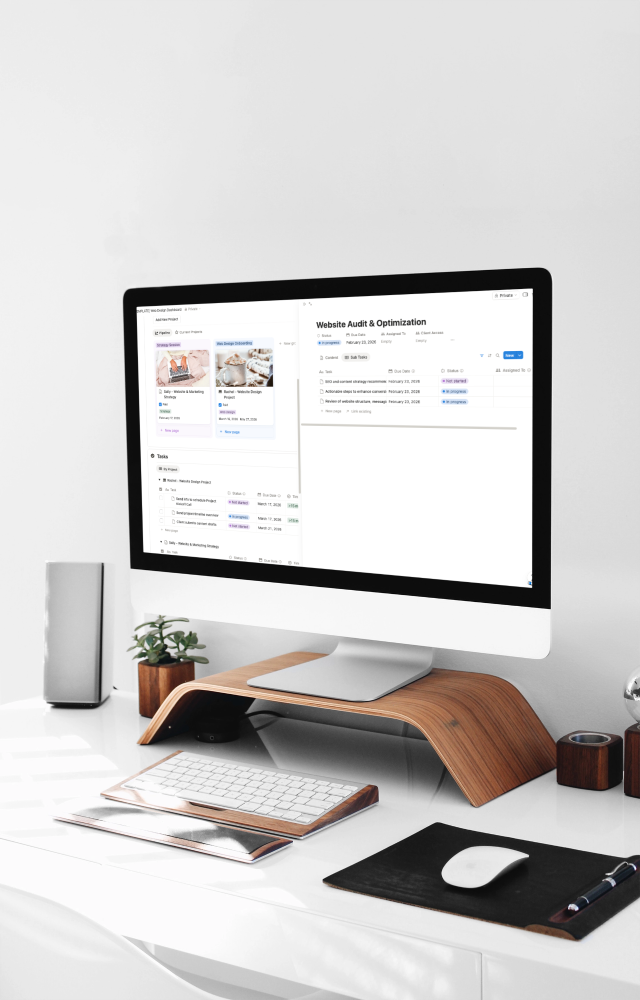
The simple home base that keeps your tasks, notes, files, and “what’s next” in one clear place without turning Notion into a junk drawer.
A clean division of labor so you keep your CRM as the engine, and use Notion as your project headquarters.
How to stop hunting through emails, threads, Google Drive folders, and random docs by giving every project one easy-to-find HQ.
A quick way to bring order to a project that’s already underway, so you can get back on track without starting over.